Tap to swim
Tap anywhere on the screen and Uni will swim toward that spot.
Uni the Urchin · Player support
Controls, game modes, purchase help, and quick fixes for Uni the Urchin on iPhone and iPad.

How to play
Guide Uni through an increasingly busy underwater world. Survival is measured in seconds, so every bubble and every move counts.
Tap anywhere on the screen and Uni will swim toward that spot.
Tap with two fingers when Uni needs an extra burst of speed.
Collect air bubbles before the air meter runs out. Bigger bubbles provide more room to breathe.
Watch their path, move early, and use helpful power-ups when the water gets crowded.
Game modes
Practice the familiar rhythm of Classic Uni or return for a Daily Challenge with its own combination of speed, hazards, air, and power-ups.
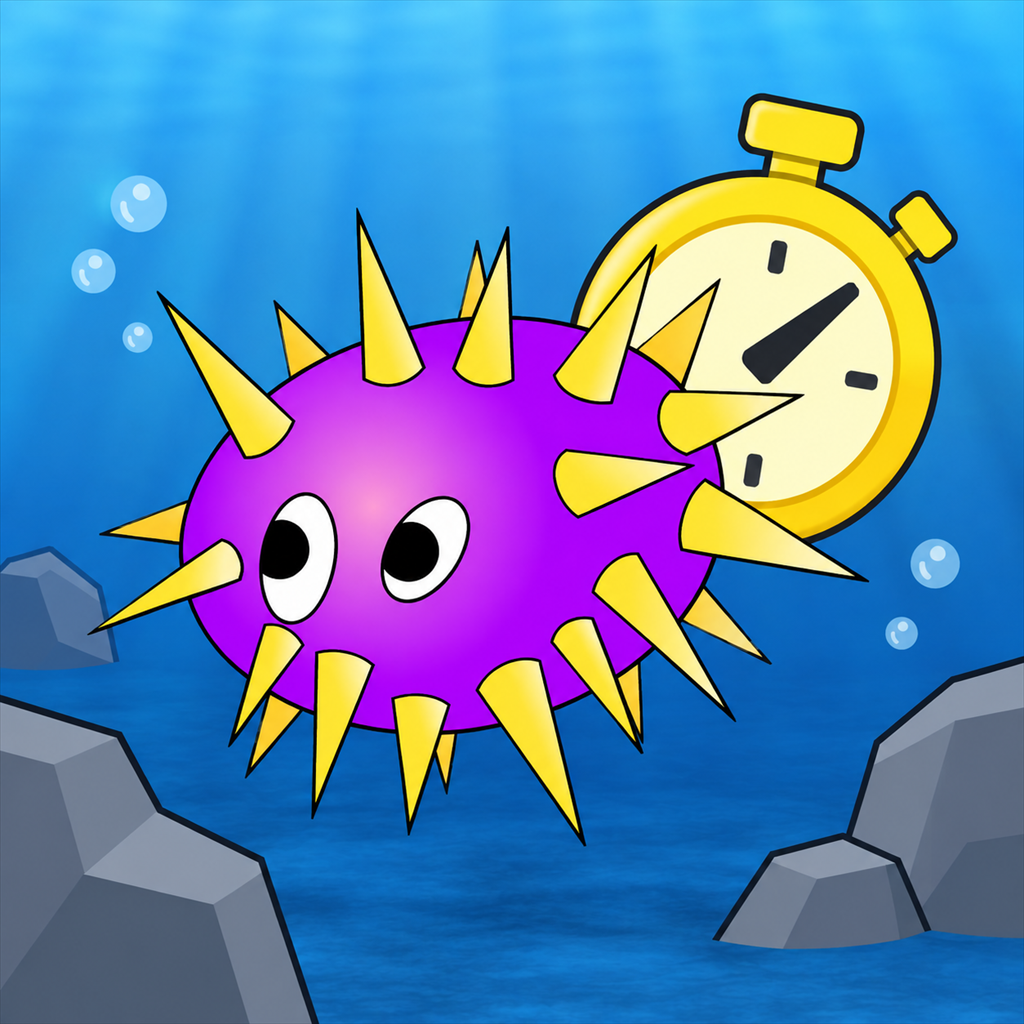
Stay alive for as long as possible while the underwater action builds around you.
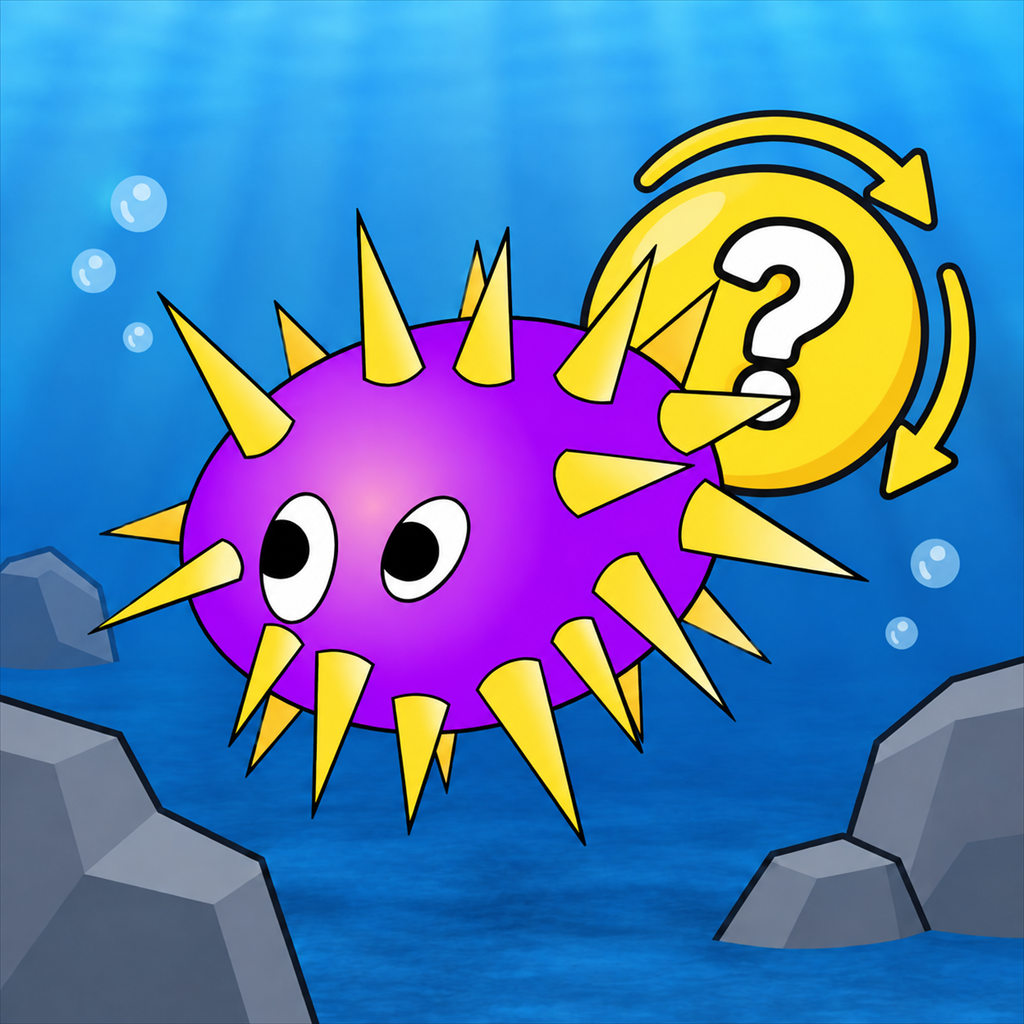
Everyone receives the same daily conditions, giving you one changing challenge to learn and master.
Purchases + Game Center
The Uni Supporter Pack is a one-time, non-consumable purchase. It unlocks every Uni color and enables score posting to the Classic and Daily Game Center leaderboards.
Quick fixes
Most account, challenge, and leaderboard issues can be cleared with a few quick checks.
Confirm the device is online and signed into the Apple Account used for the purchase. Then open Settings in Uni, select a locked color, and choose Restore. You will not be charged again for restoring the same purchase.
Confirm that Game Center is signed in, the Supporter Pack is unlocked, and the device has an internet connection. Reopen Uni and view the leaderboard again after a short wait.
Check the device’s internet connection and reopen the game. If a previously downloaded challenge is available, Uni may continue using that challenge until it can reach the service again.
Use the music button in Uni to make sure audio is enabled, then check the device volume and Silent Mode setting.
Close Uni completely, reopen it, and confirm that iOS or iPadOS is up to date. If the problem continues, send support your device model, operating-system version, app version, and what happened immediately before the issue.
Still need help?
Email Conjectural Industries with your device model, iOS or iPadOS version, Uni app version, and a brief description of the problem. A screenshot is welcome when it helps explain the issue.
Please do not send passwords, Apple Account credentials, payment information, or other sensitive personal information.